Time & attendance · Office and mine attendance, evidence, approval, fatigue, roster-based pay New
Every attendance record has evidence: GPS, roster, cab, waybill, pre-shift check — approved, locked and paid
Office staff by phone GPS, mine staff by roster, cab, waybill, HSE check, gate and transport — in one table. The foreman approves the day’s attendance, the month is closed, corrections keep a history. Night hours, fatigue limits, pay on roster rotation.
- Feature group
- 3
- Action
- 12
- Flow step
- 6
How it works
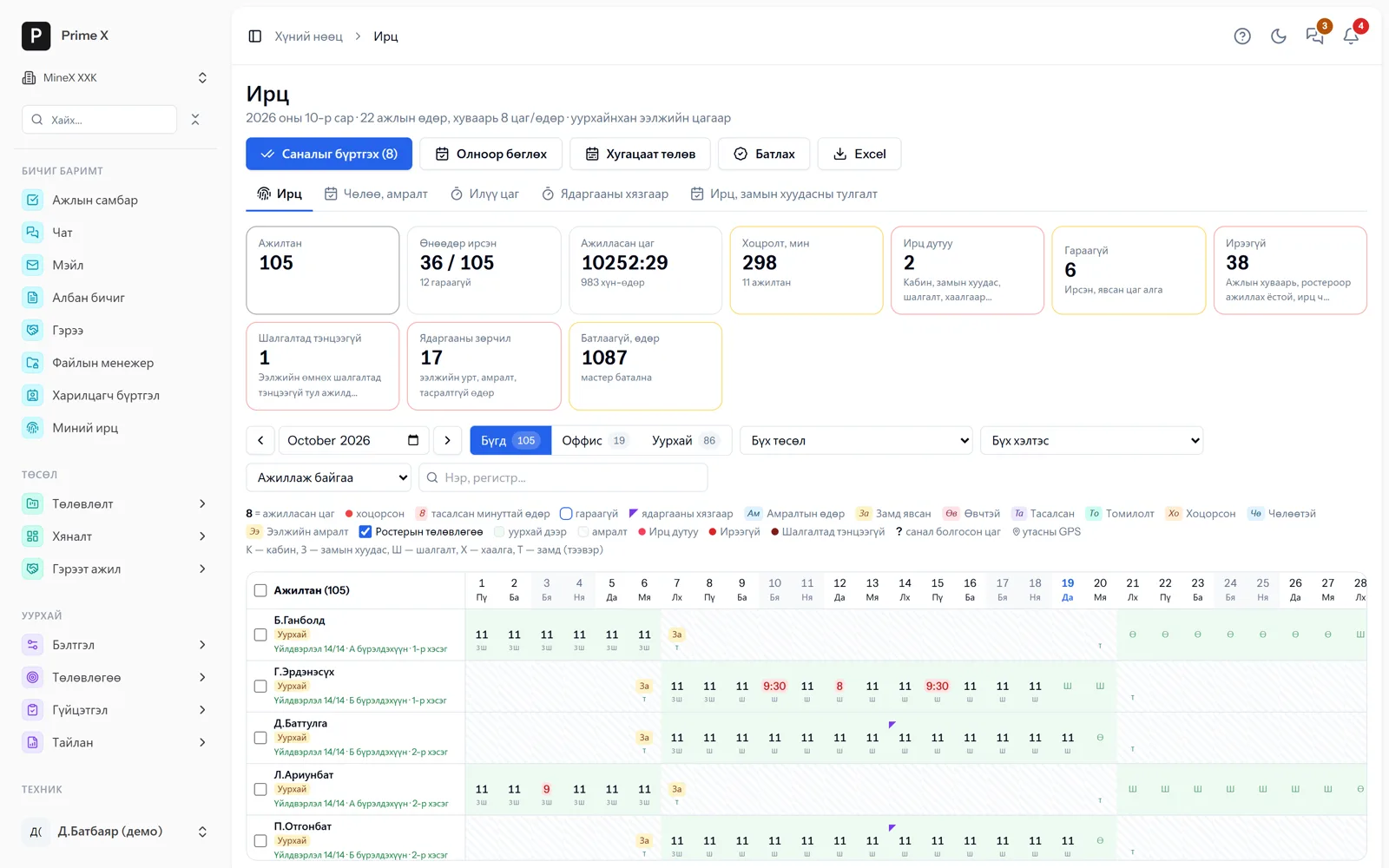
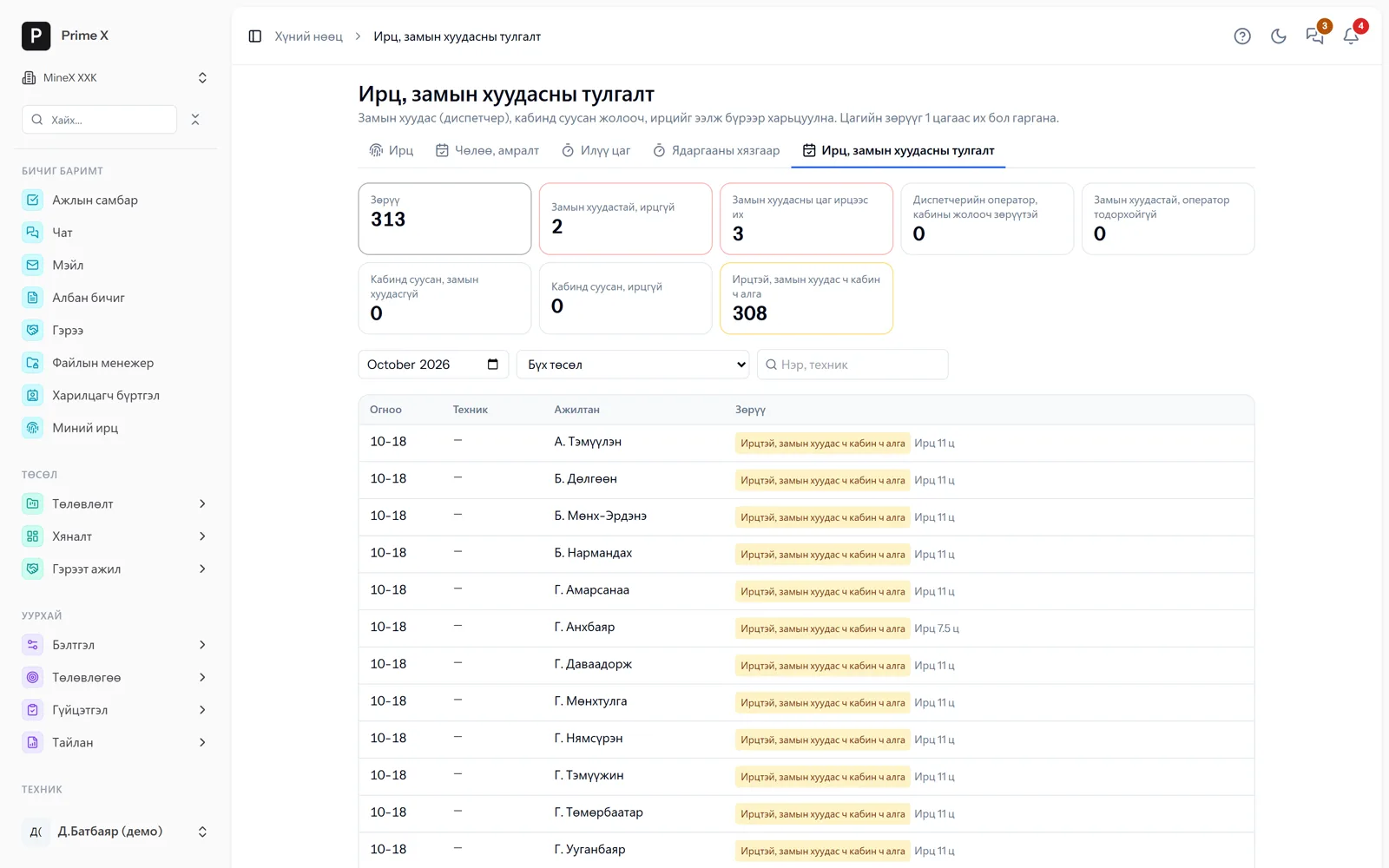
Every employee has an office or mine time mode. Office: work schedule, phone GPS. Mine: roster shifts (night ones too); if the pre-shift check is passed, attendance is automatic, and the cab, waybill, gate and crew-change transport become evidence. Each cell has a status — “short hours”, “no check-out”, “absent”, “no evidence” — and suggestions are recorded with one tap. The foreman approves the day’s attendance, the attendance month is closed (months posted to the payroll ledger close automatically), and corrections to a closed month need a reason and keep a history. Night hours (22:00–06:00) carry a premium; time not worked is paid or unpaid by reason. Fatigue limits under the Labour Law: a shift longer than 12 hours, rest between shifts shorter than 12 hours, more than 56 hours in 7 days, more than 14 consecutive days — checked by attendance and roster. Attendance ↔ cab ↔ waybill reconciliation shows discrepancies. Crew-change transport writes travel days into attendance and pay is issued at roster rotation.
Request a walkthroughThe picture is only a small part. On the real system Time & attendance section works at every tap and links straight to the other sections — let us show you.
Request a walkthroughScreens
Time & attendance — screens in the system
Demo company screens with sample data. Scroll down to see them one by one.
1 / 4
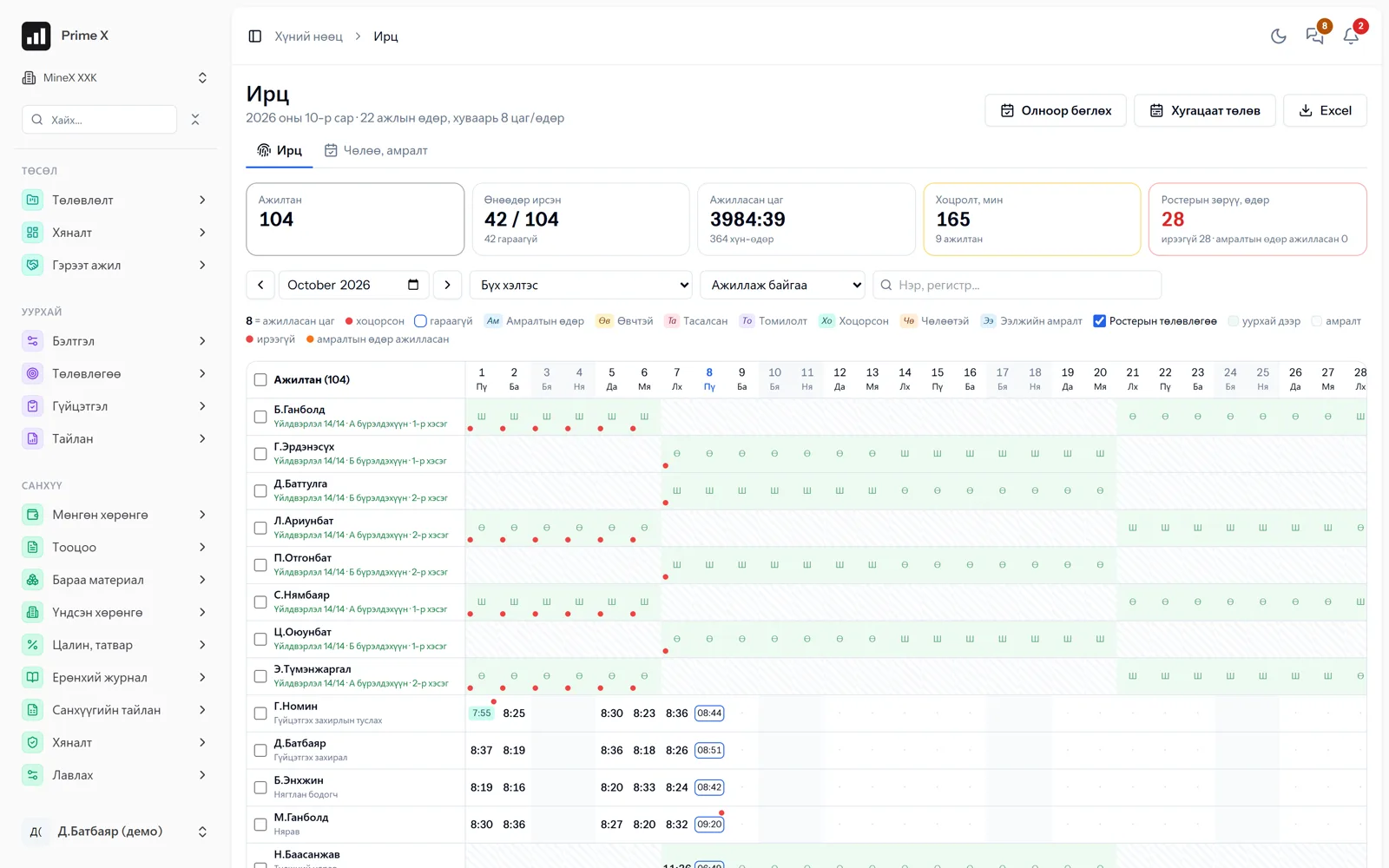
Every employee’s monthly attendance: hours worked, lateness, shift rest, roster plan.
Spotlight: fatigue limits
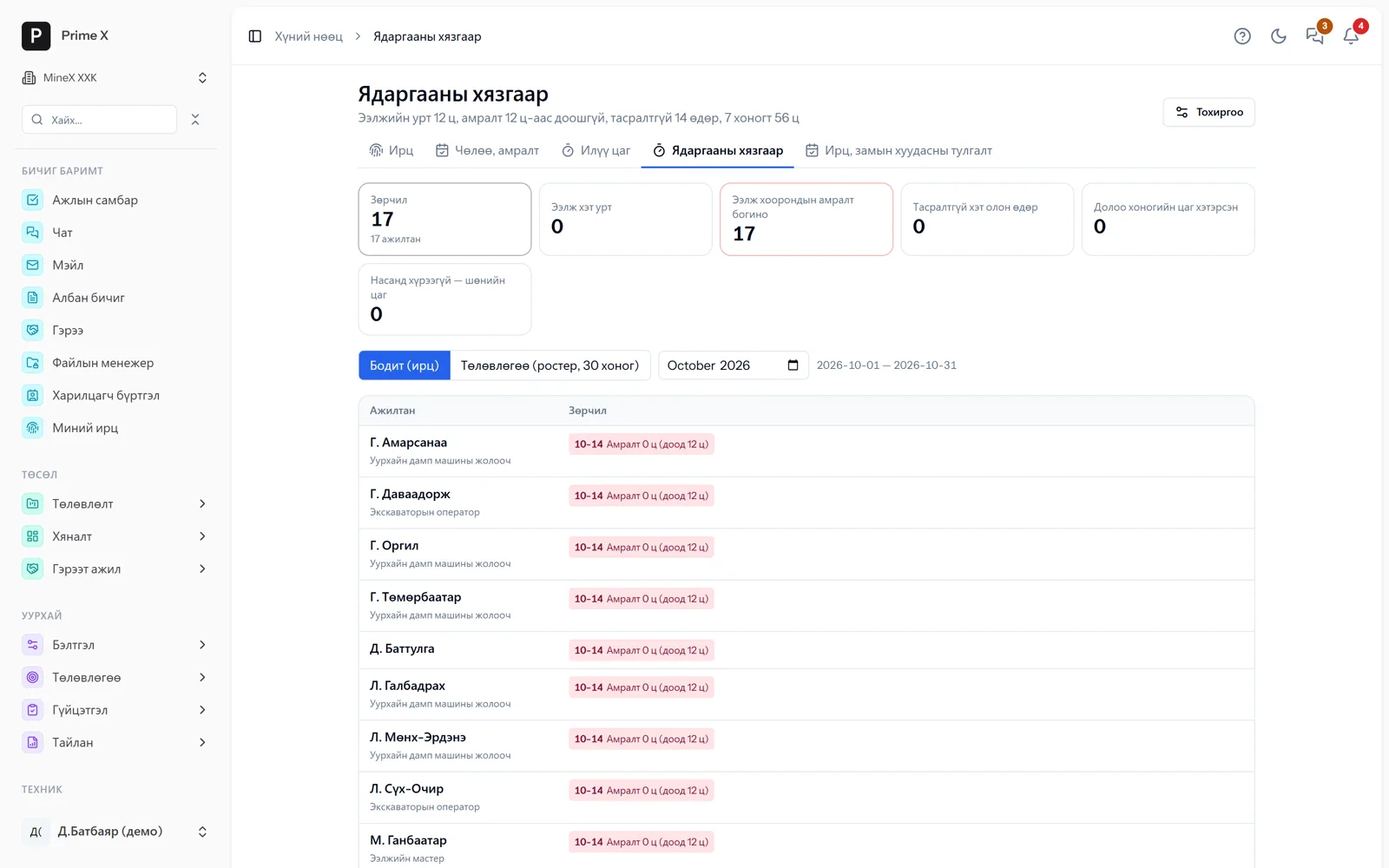
17 employees with less than 12 hours’ rest between shifts — this happens on roster-change days
Articles 84.4, 87, 88, 90 and 95.1 of the Labour Law are checked against 30 days of attendance and roster: shift too long, rest too short, too many consecutive days, weekly hours exceeded, night hours for minors. A mark appears in the attendance cell and on the roster board; internal rules can tighten the limits. You are warned before an accident happens.
Great on the phone too
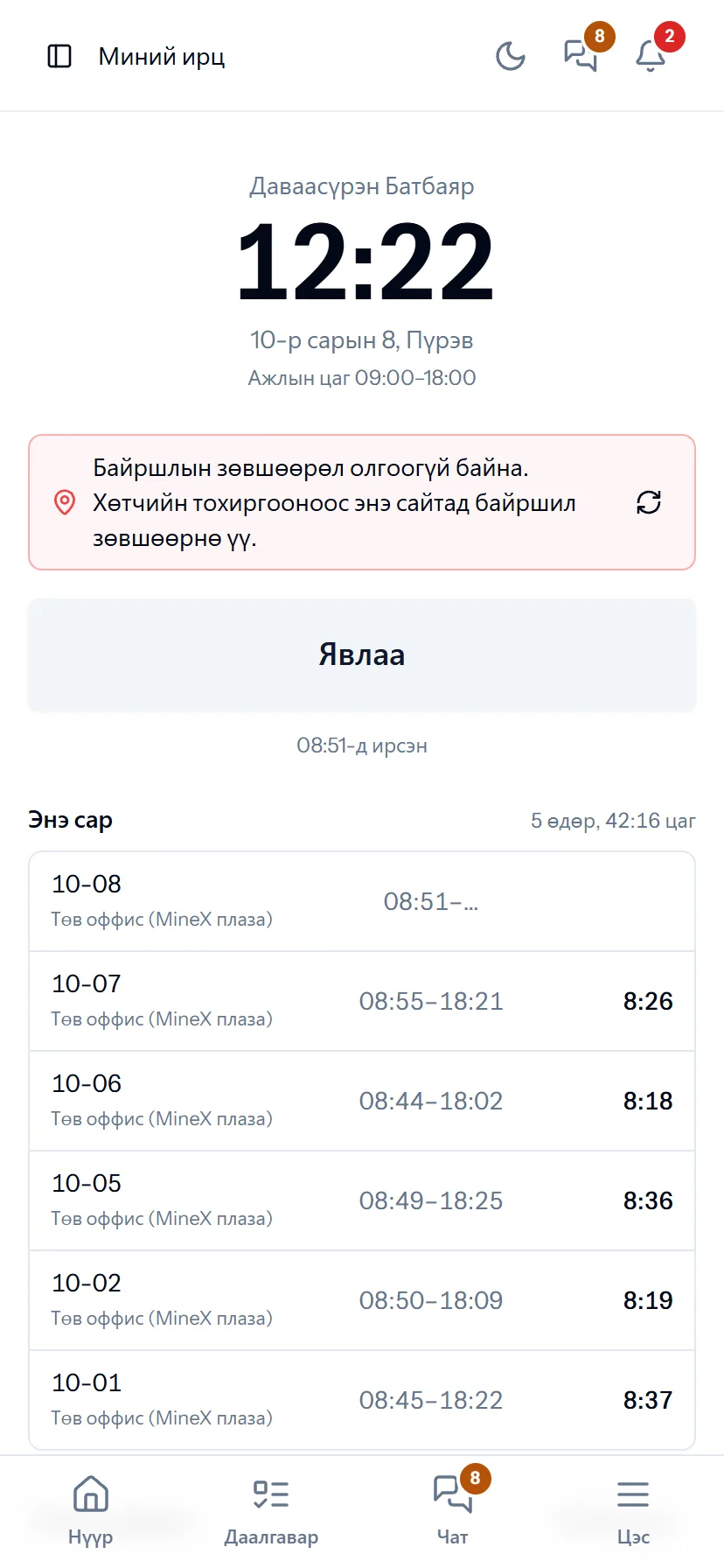
Attendance — by phone, with GPS location
When an employee taps “Arrived” the location is checked; they count the day’s work with +1 / −1 and request leave by day or by hour. A manager sees and approves the team’s attendance from the phone.
- Same account, same permissions — no difference between computer and phone
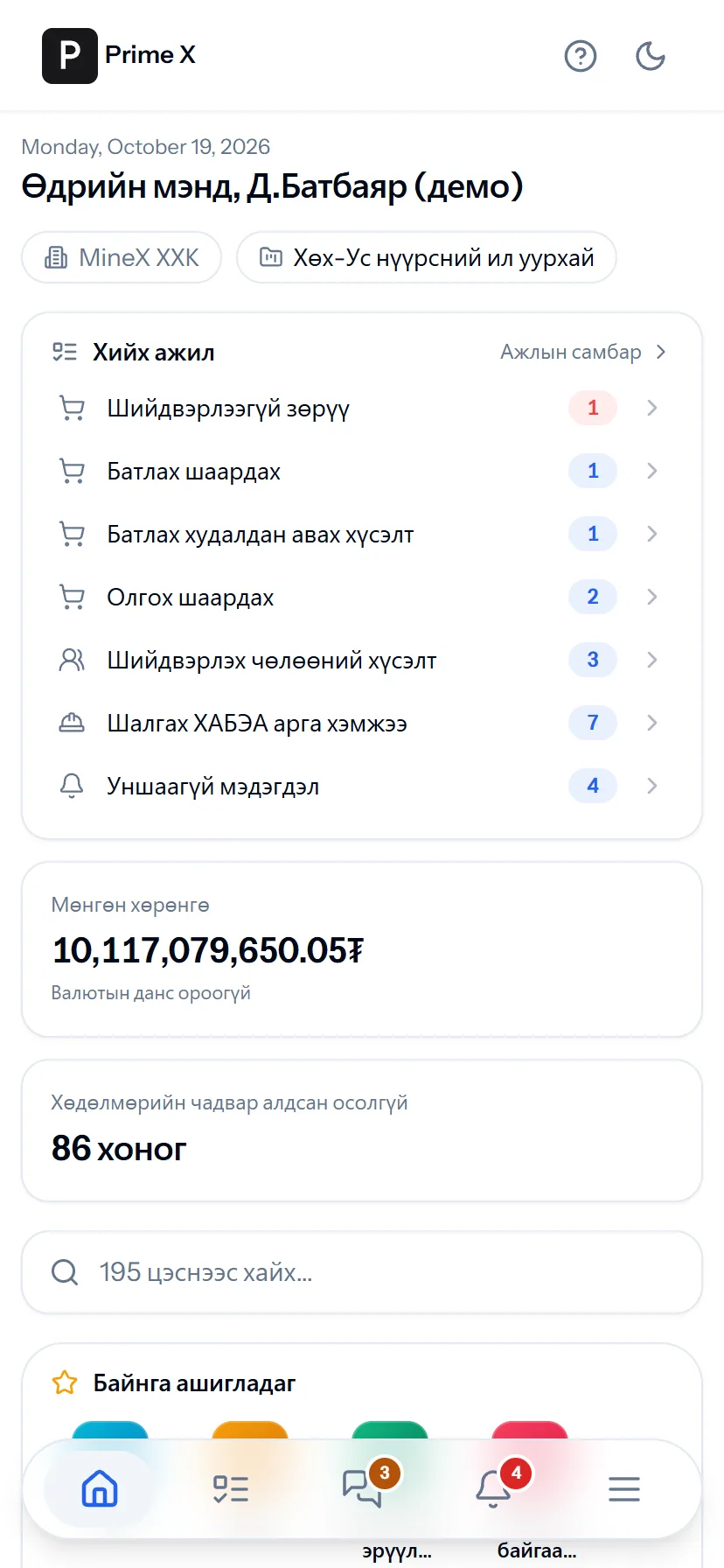
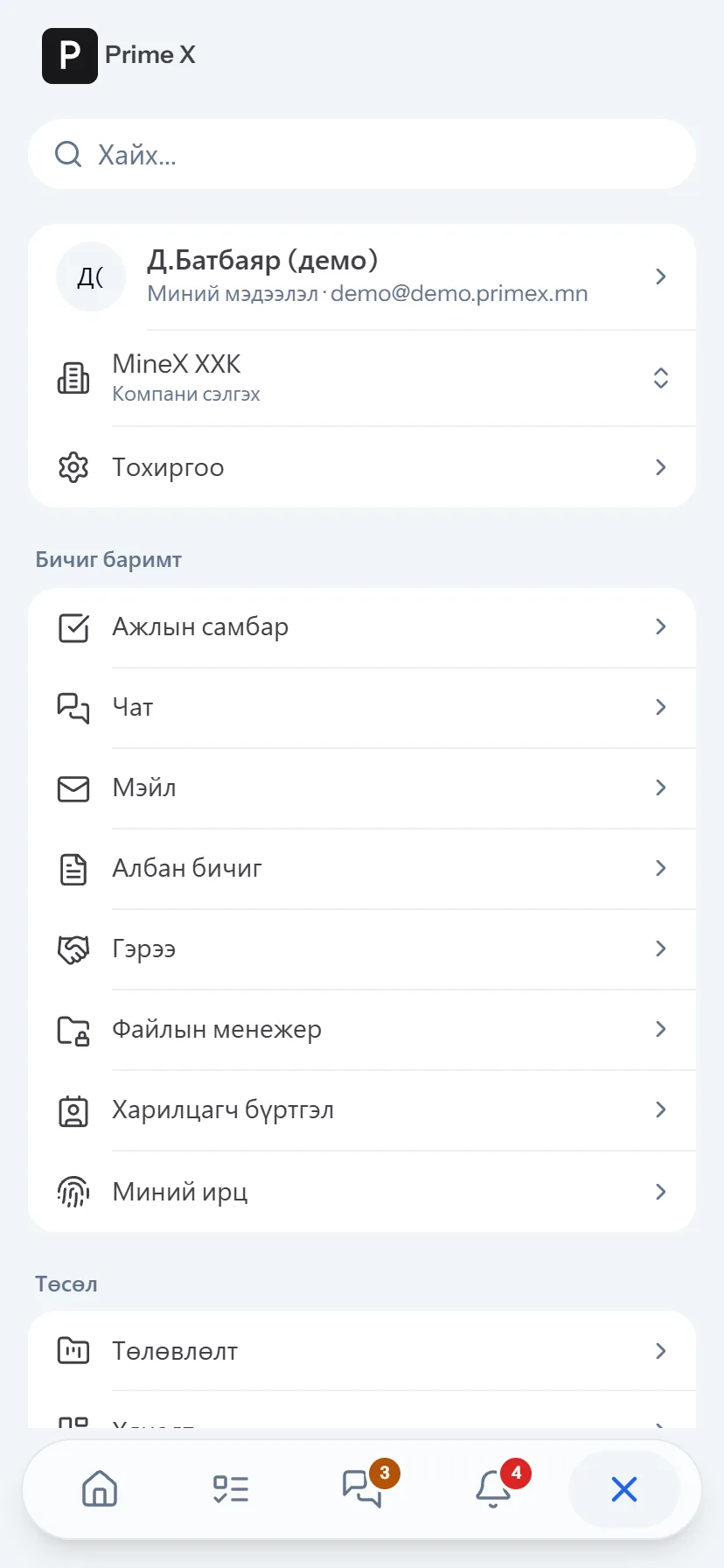
- Bottom menu: Home, Tasks, Chat, Menu — one tap
- No app to install, opens from the browser; Web Push notifications
What is included
Features of the Time & attendance section
Attendance, evidence
- Office — work schedule, phone GPS; mine — roster, cab, waybill, HSE check, gate, transport
- Cell status: short hours, no check-out, absent, no evidence; suggestions with one tap
- Drag to select and set a status; time not worked by reason, paid / unpaid
- Night hours 22:00–06:00 with premium; leave by the hour
Approval, lock
- The foreman approves the day’s attendance (✓)
- Close the attendance month — months posted to the payroll ledger automatically
- Corrections with a reason, correction history
- Monthly overtime sheet
Fatigue, roster, pay
- Fatigue limits — shift length, rest, consecutive days, hours per 7 days, minors
- Attendance ↔ cab ↔ waybill reconciliation
- Crew change, transport — travel days in attendance
- Pay at roster rotation (balance + advance)
Better in real life
Screenshots show only a small part of the system
A screenshot shows just one moment. On the real system, when the dispatcher changes a status you see the trip report change, the act appear and the ledger entry go in. The best way is 30 minutes together on your company’s data.
- With your equipment, employees and project names
- Questions answered on the spot and shown on screen
- Online or at your office
- No obligation, no charge
See it on the real system
Request a walkthrough Try the dispatcherThere is no open demo. Walkthroughs are done only at your request, for your company.
Ready to run your company on one system?
Screenshots do not fully show how it works in practice. We give a 30-minute walkthrough on your company’s data and draw up an implementation plan together — office, factory, clinic, road or mine, the whole system or a single module. If you have foreign investors we show the English and Chinese interfaces too.