Office administration · Correspondence, orders, contracts, file manager, collaboration
Correspondence flow, orders, contracts and files — organised, searchable, with reminders
Incoming and outgoing correspondence, orders, contract register (payment schedule, obligations, auto-renewal, reminders), file manager (versions, sharing, external links), counterparties, meetings, tasks and mail in one place. Help guide in 5 languages inside the app.
- Feature group
- 3
- Action
- 14
- Flow step
- 6
How it works
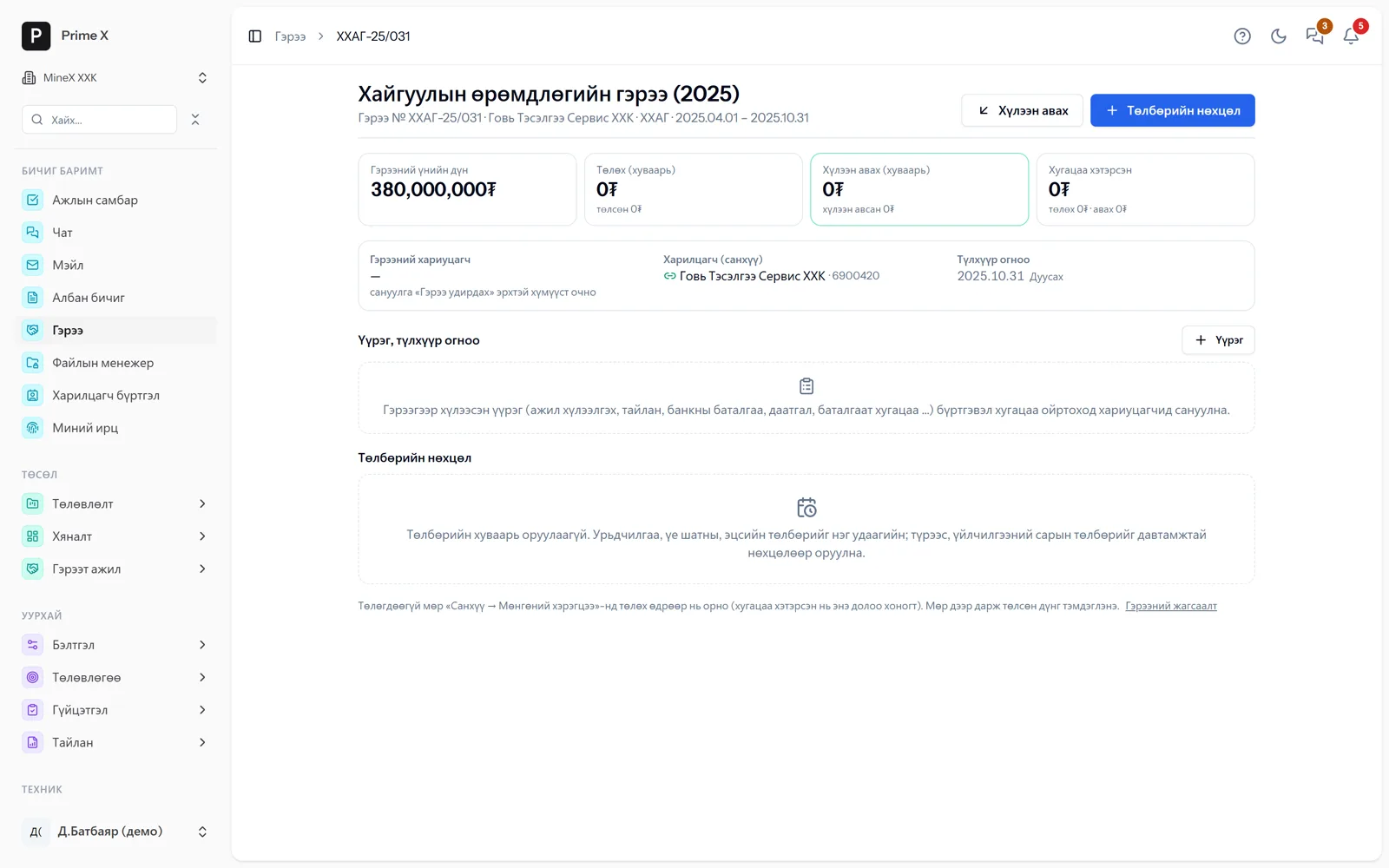
Incoming letters are numbered and registered, then forwarded to the owner as a task. Once an order is approved, the employee’s status and length of service change automatically. Contracts are created from templates and their expiry is tracked. The collaboration board shows tasks, progress and KPIs, and connecting a Gmail inbox attaches counterparty correspondence to the record. Notifications of important events arrive by Telegram.
Request a walkthroughThe picture is only a small part. On the real system Office administration section works at every tap and links straight to the other sections — let us show you.
Request a walkthroughScreens
Office administration — screens in the system
Demo company screens with sample data. Scroll down to see them one by one.
1 / 6
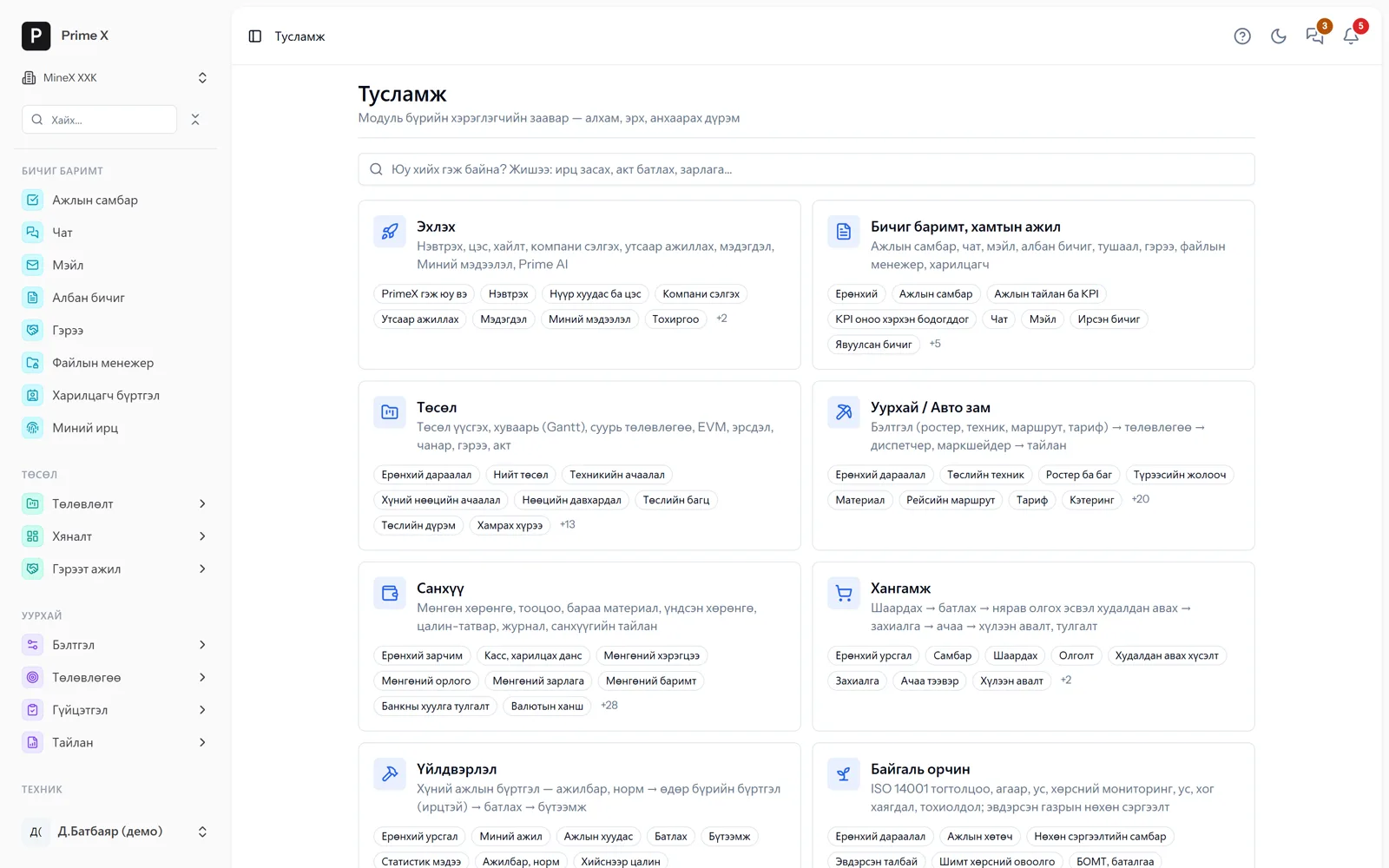
A user guide for every module inside the app: steps, permissions, rules to watch. The “?” button on every page opens that page’s guide. Монгол, English, 中文, Русский, 한국어.
What is included
Features of the Office administration section
Correspondence
- Incoming and outgoing letter register, numbering
- Orders — linked to employee status
- Meeting minutes, decisions
- Attachments, search
Contracts, files
- Contract — payment schedule (one-off / recurring) → cash requirements
- Amendments, approval flow, performance rating, risks; IFRS 16 leases
- Obligations, key dates, auto-renewal; 30/7/1-day reminders
- Reconcile payments with expenses and income
- File manager — versions, sharing, external links, AES-256
- Counterparty register, laboratory results
Collaboration
- Tasks, board, KPI — every task has a chat
- Mail — Gmail connection, view attachments in the app
- Telegram and Web Push notifications
- Help “?” — a guide on every page, in 5 languages
Better in real life
Screenshots show only a small part of the system
A screenshot shows just one moment. On the real system, when the dispatcher changes a status you see the trip report change, the act appear and the ledger entry go in. The best way is 30 minutes together on your company’s data.
- With your equipment, employees and project names
- Questions answered on the spot and shown on screen
- Online or at your office
- No obligation, no charge
See it on the real system
Request a walkthrough Try the dispatcherThere is no open demo. Walkthroughs are done only at your request, for your company.
Ready to run your company on one system?
Screenshots do not fully show how it works in practice. We give a 30-minute walkthrough on your company’s data and draw up an implementation plan together — office, factory, clinic, road or mine, the whole system or a single module. If you have foreign investors we show the English and Chinese interfaces too.